
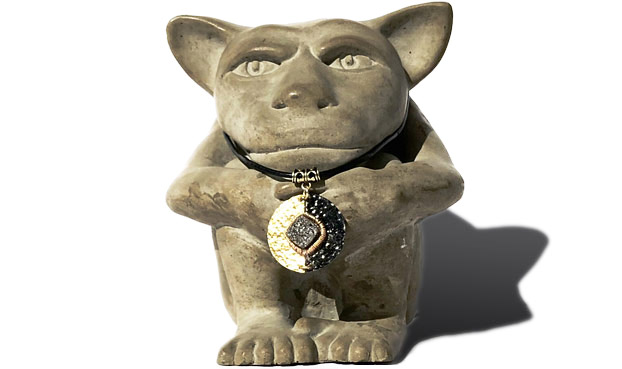
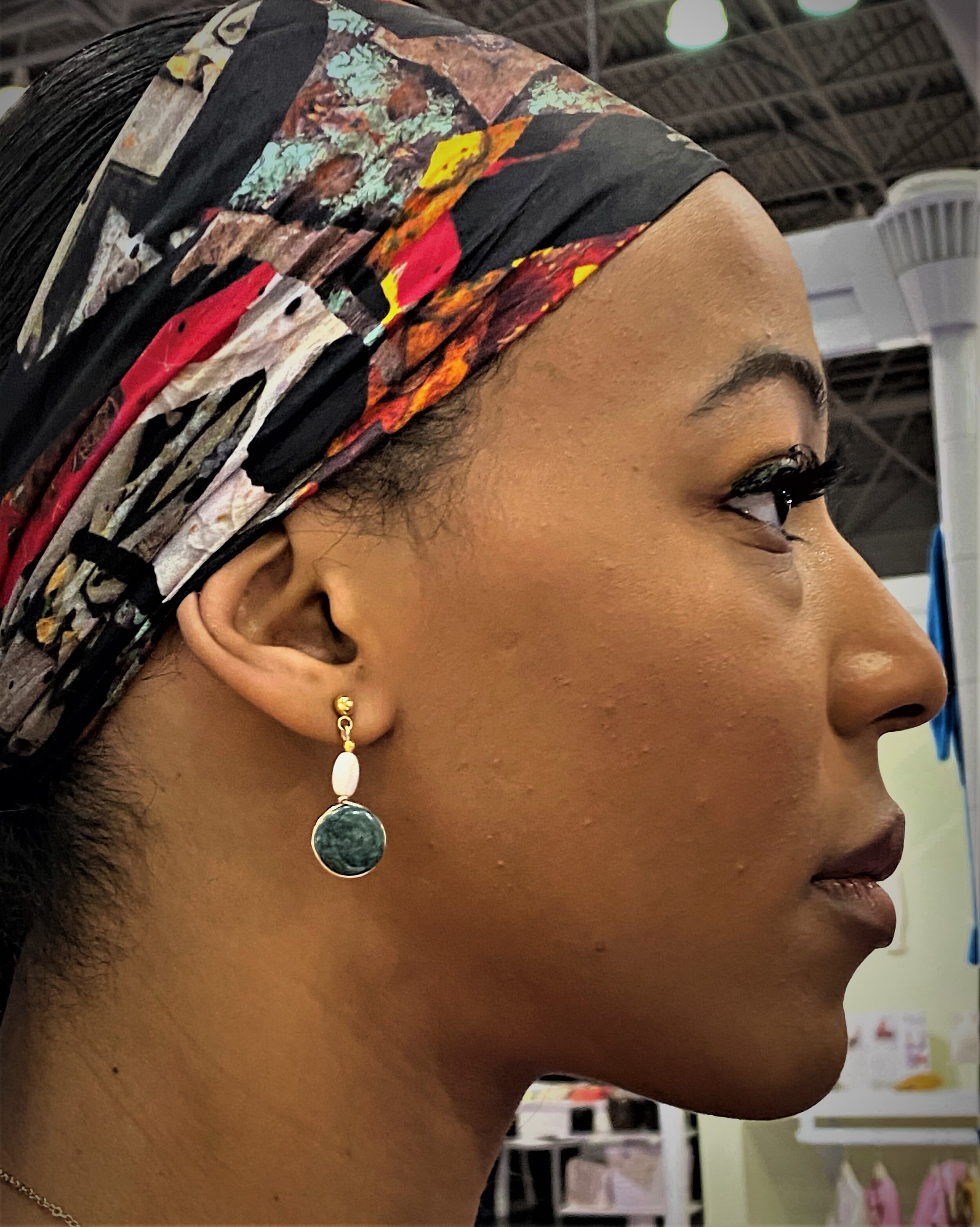
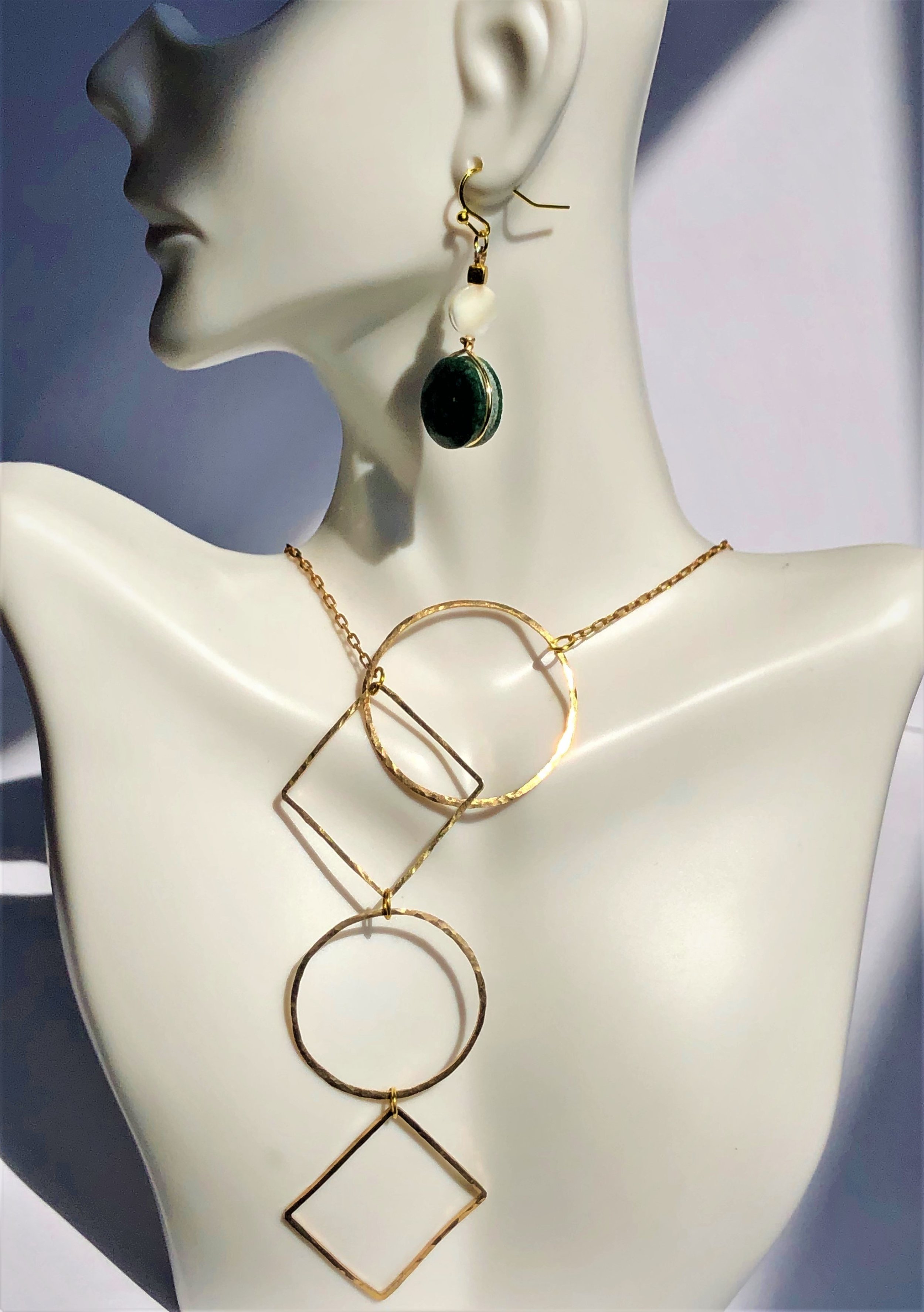
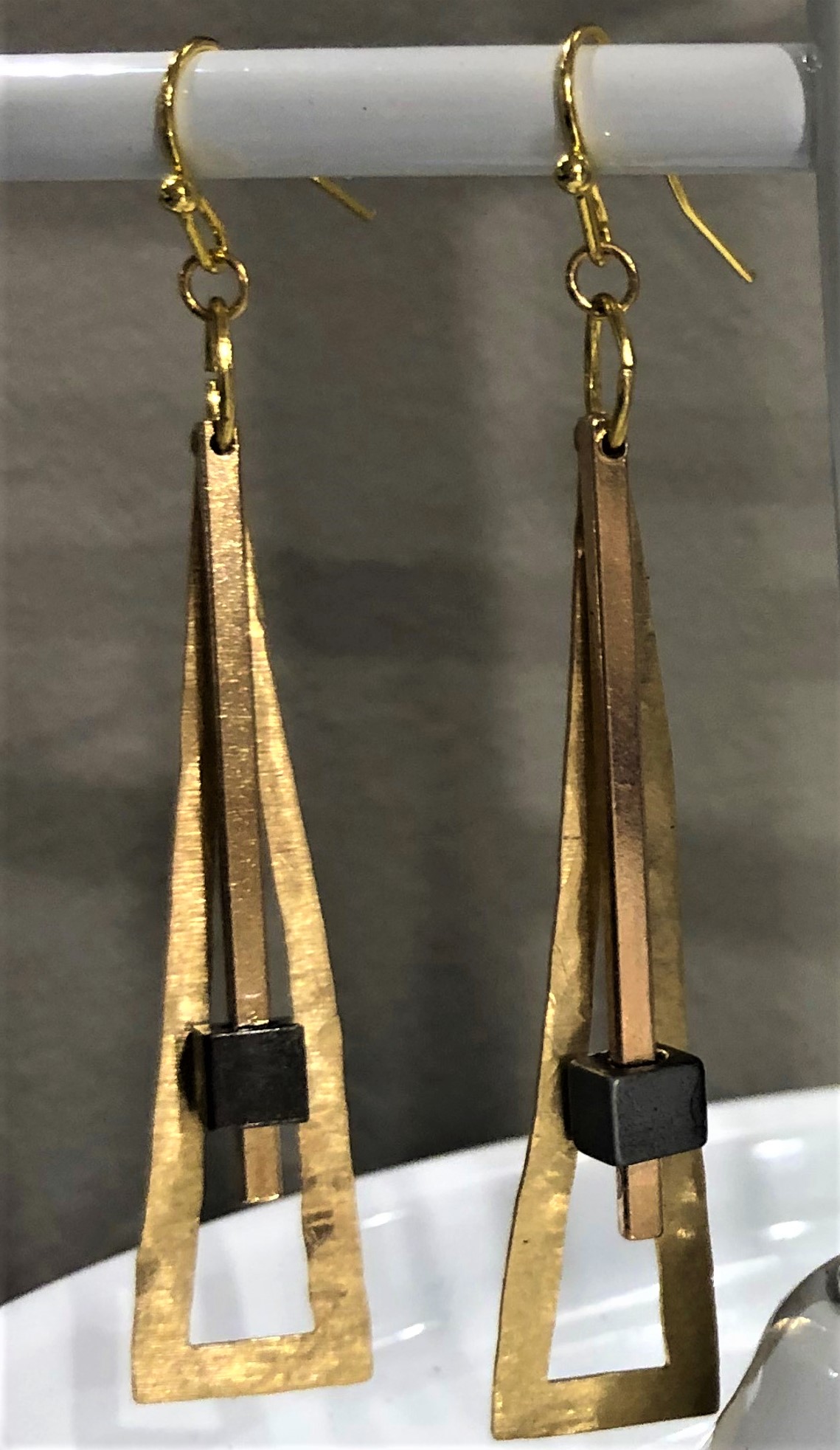
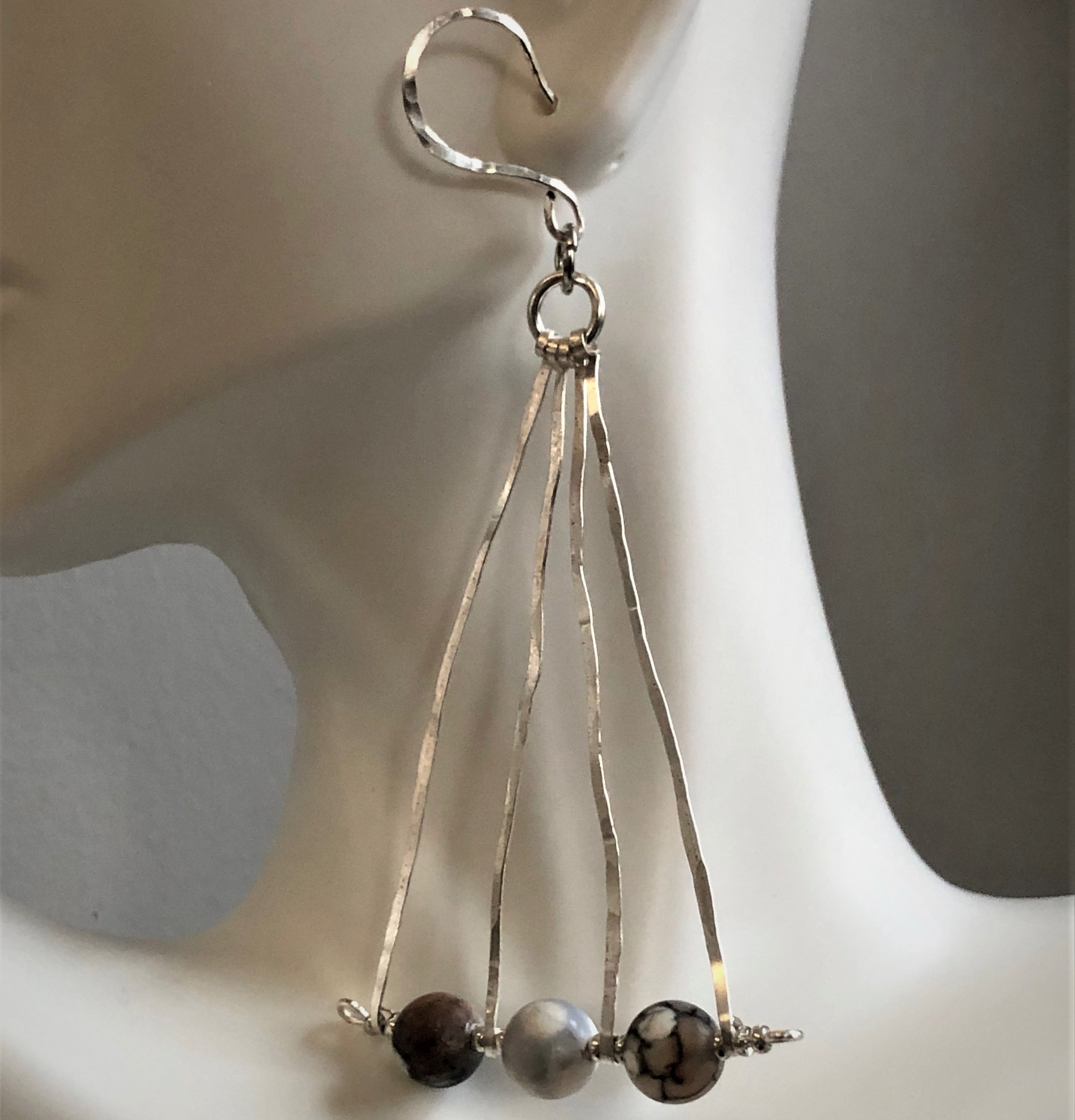
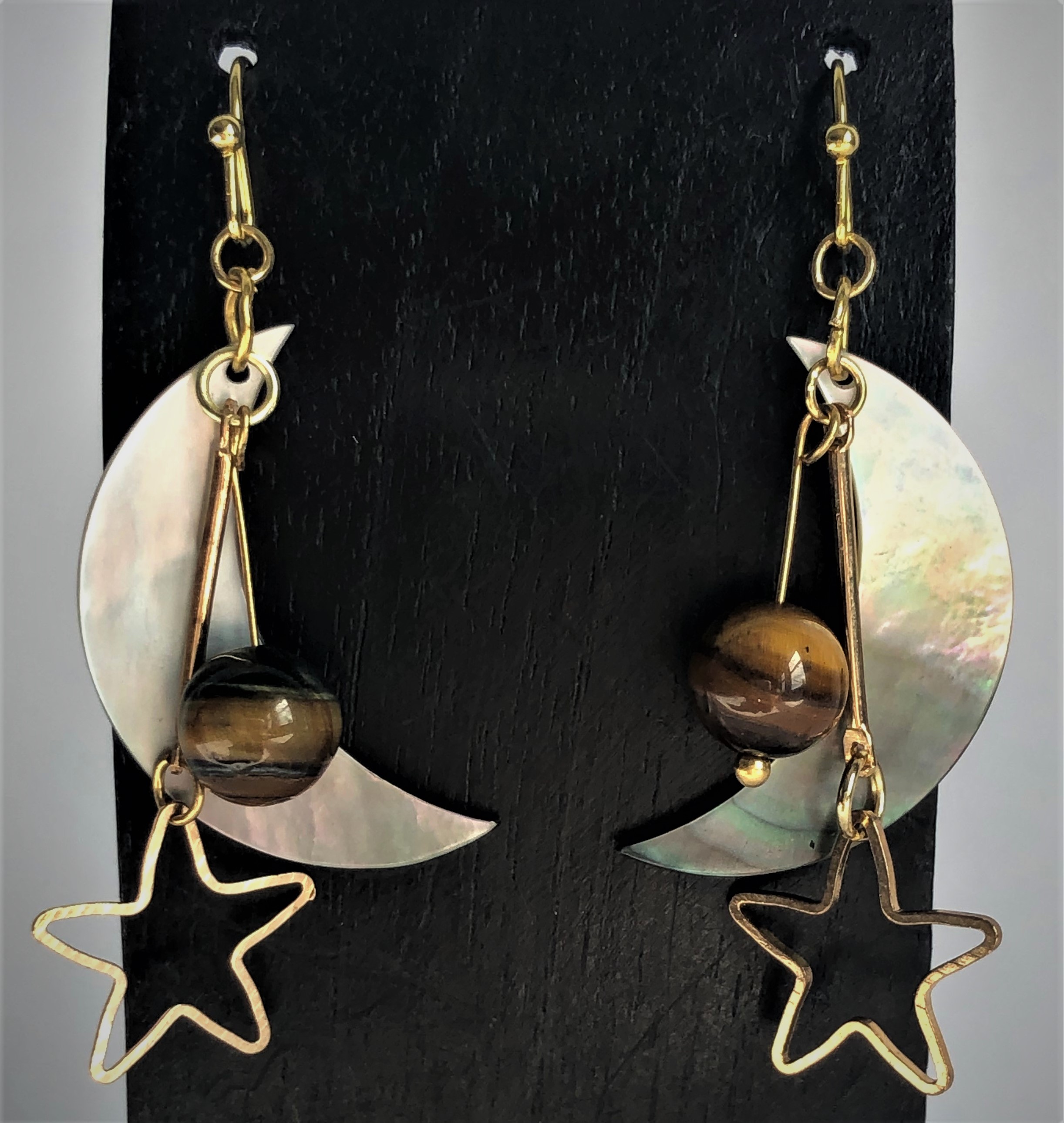

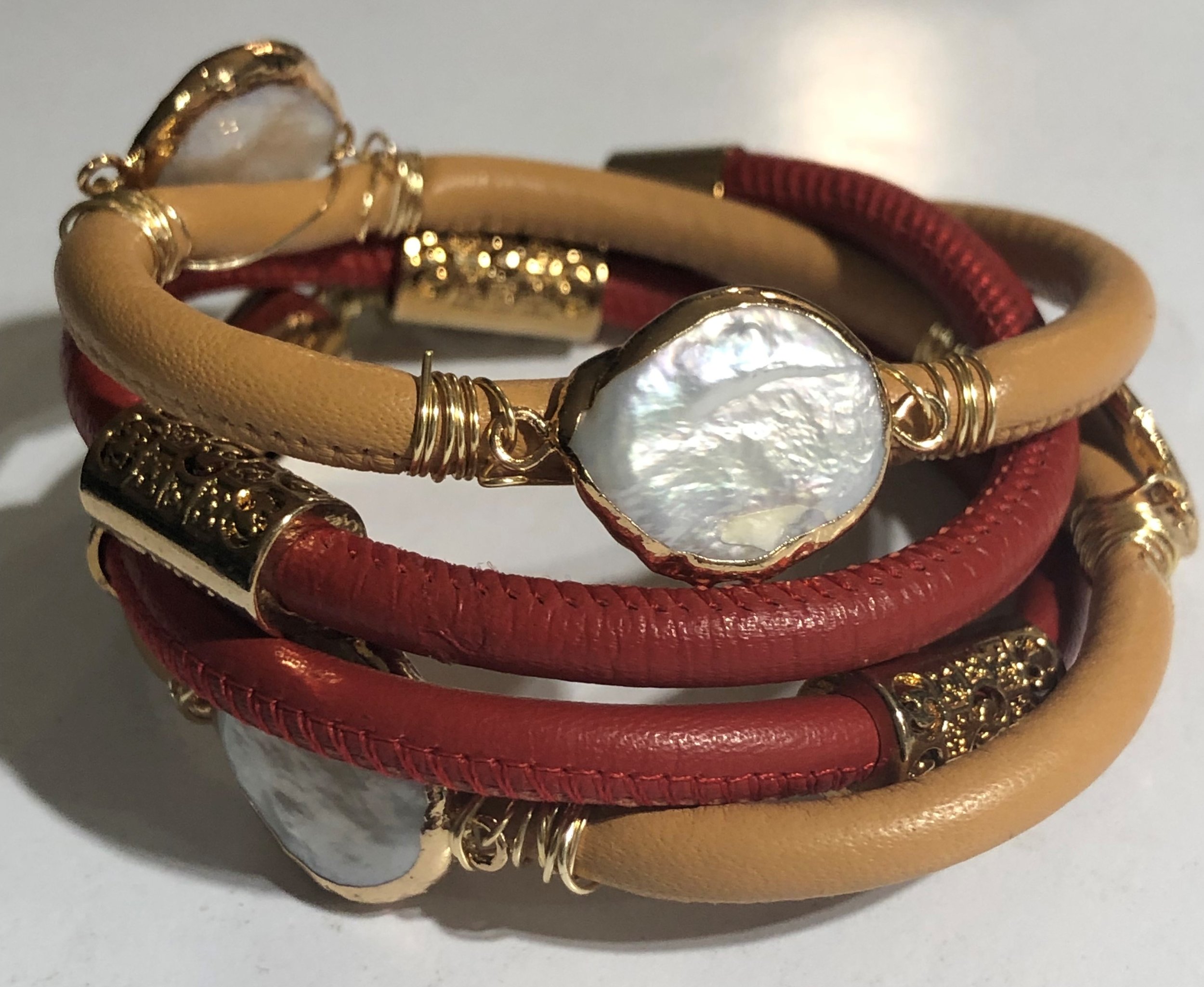

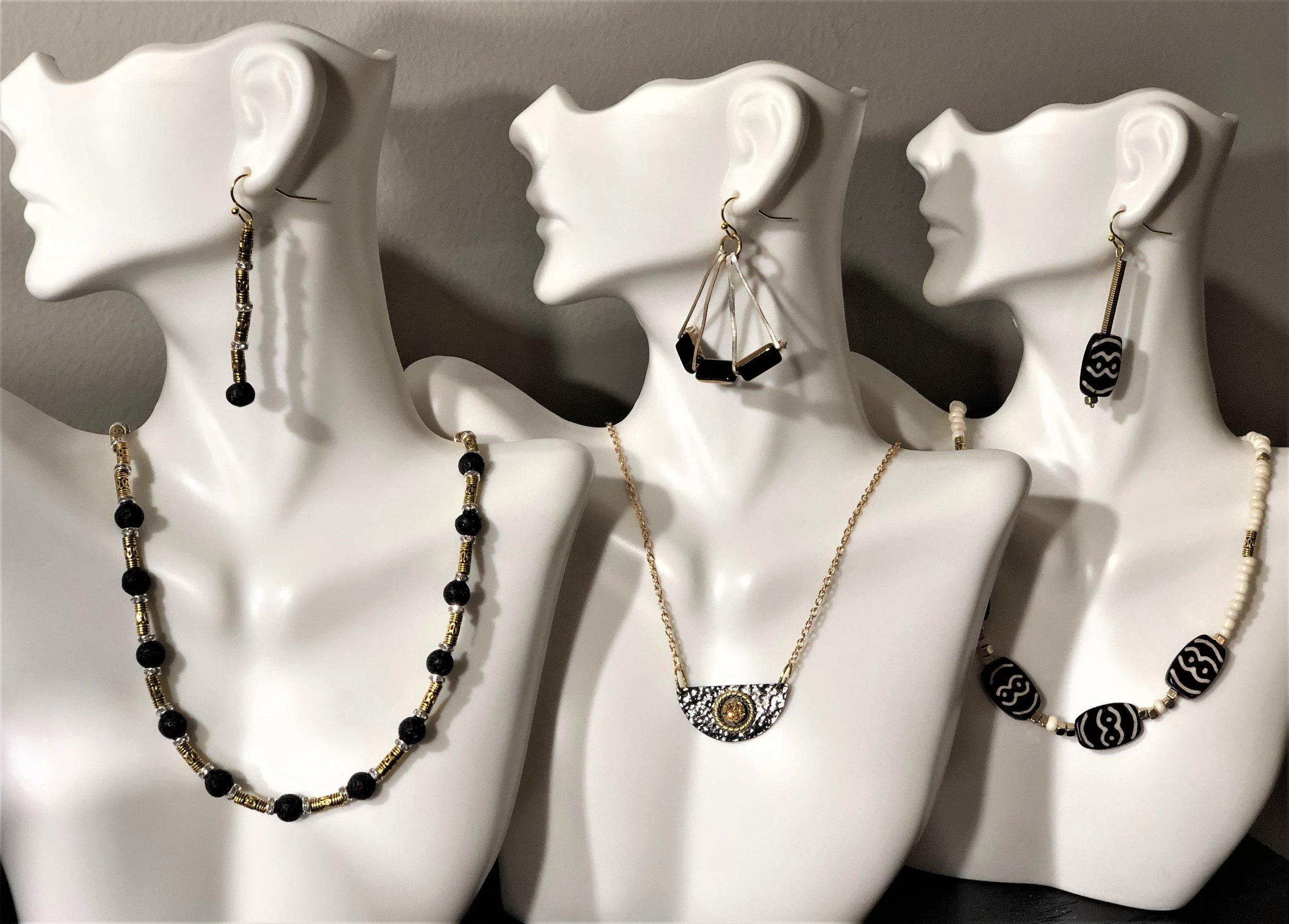
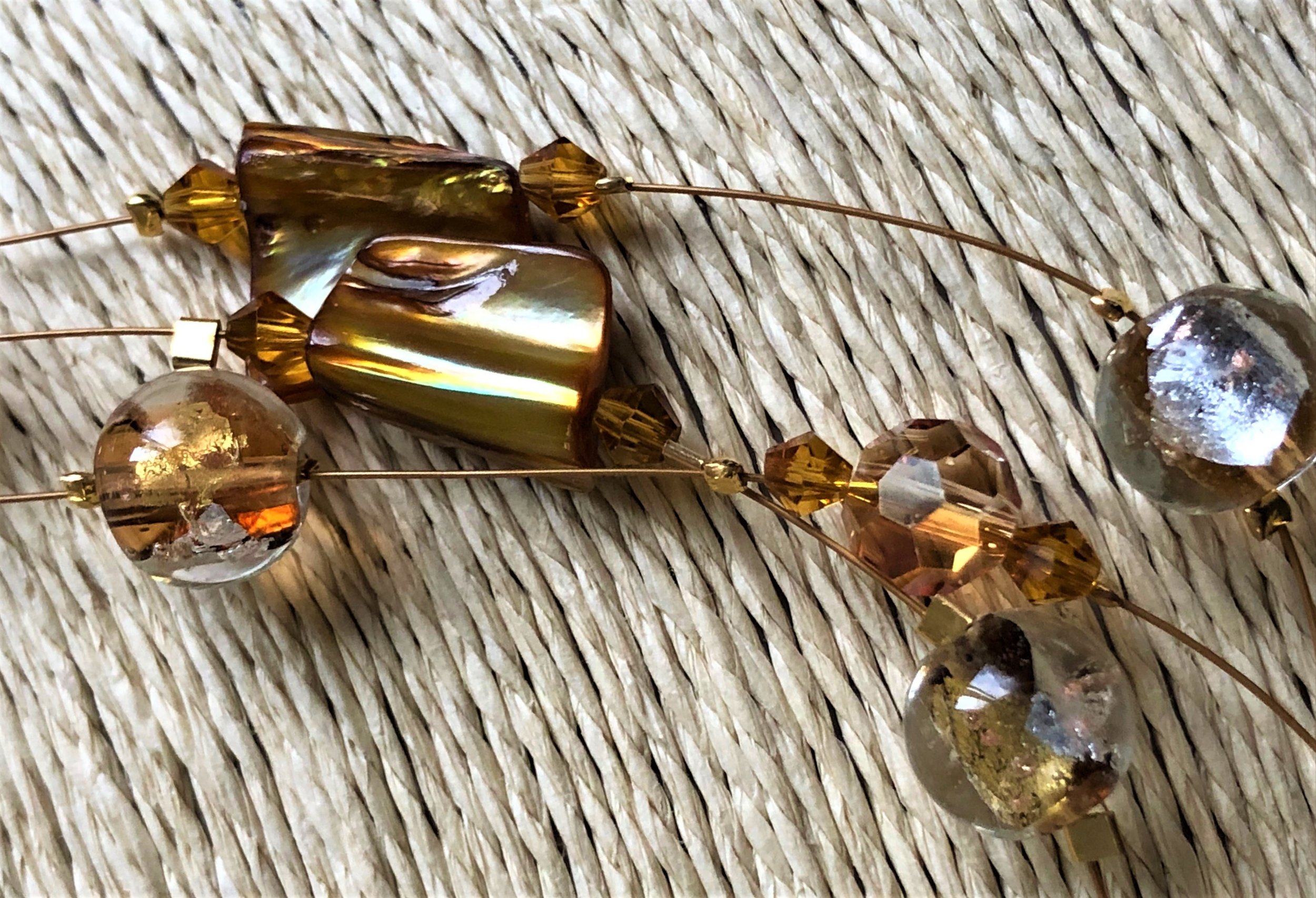
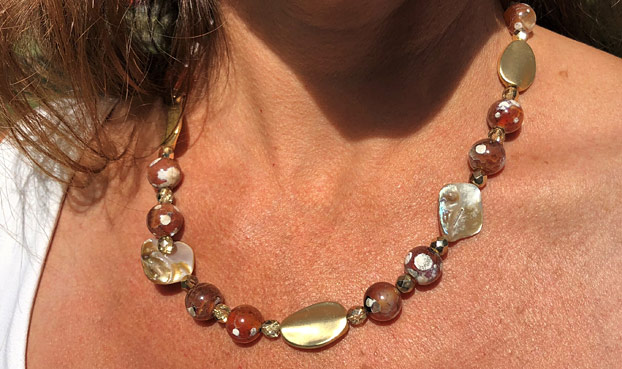
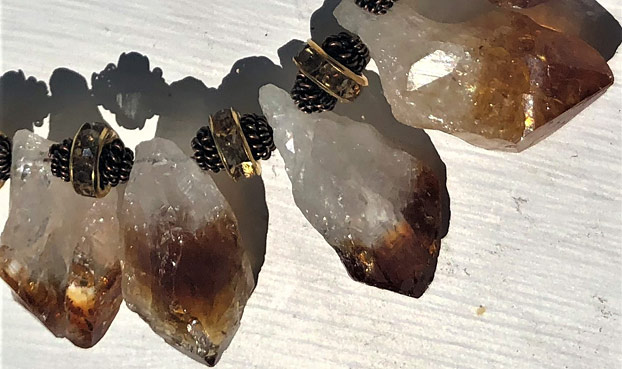
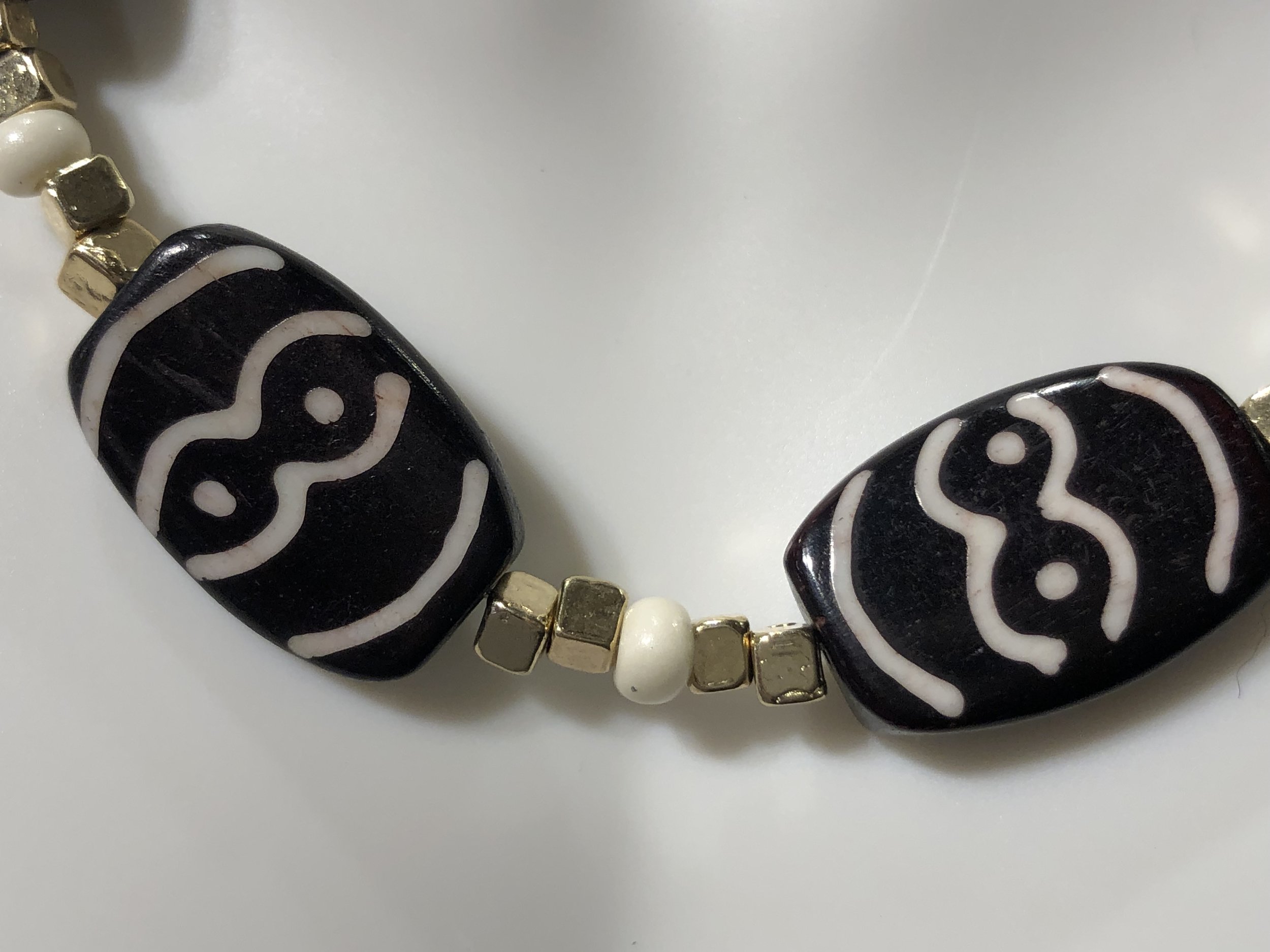
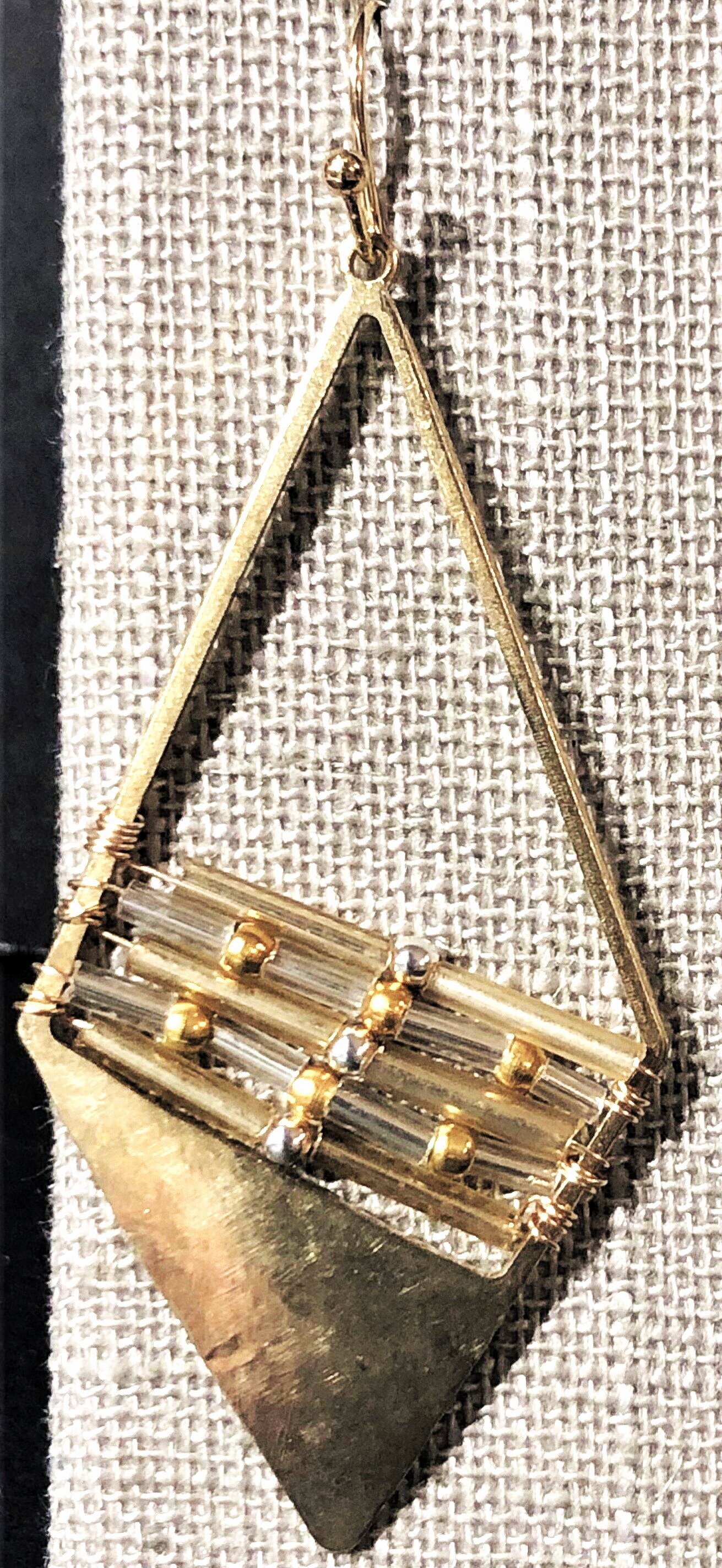
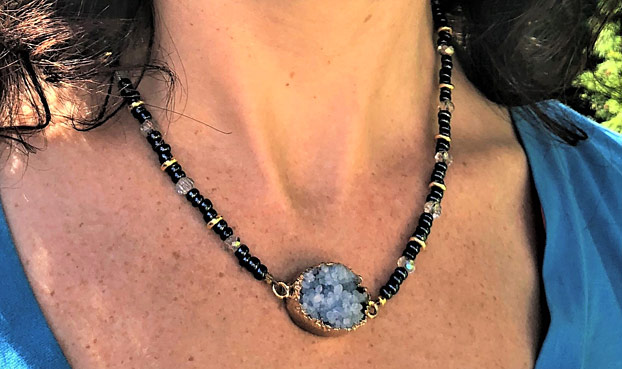
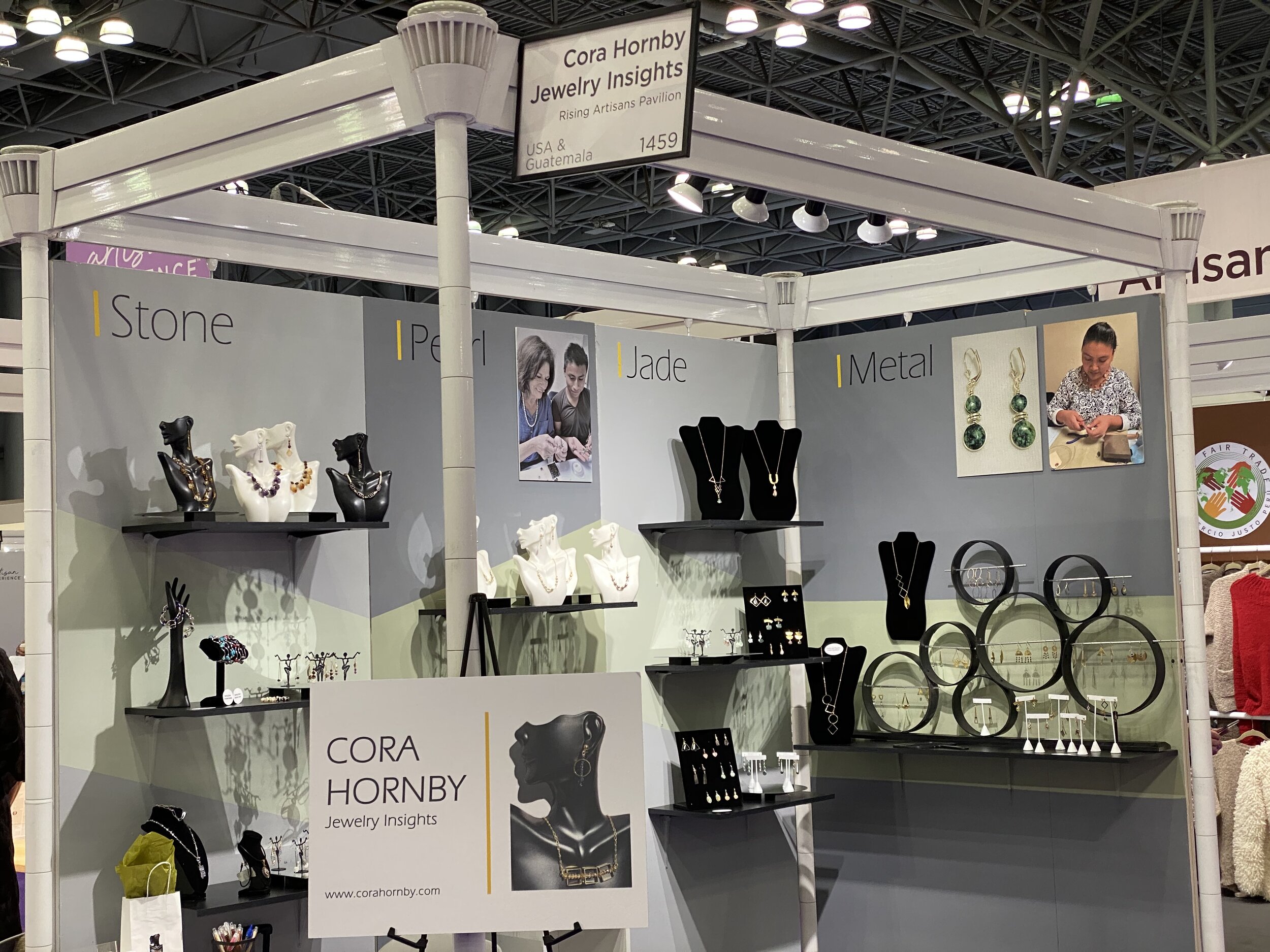
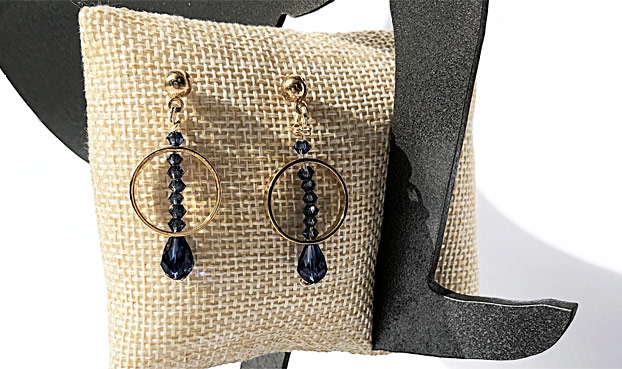

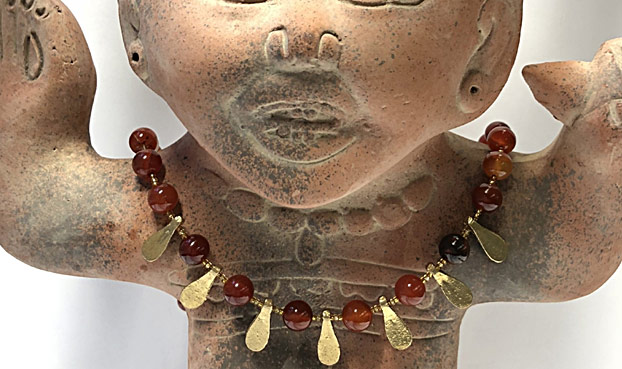
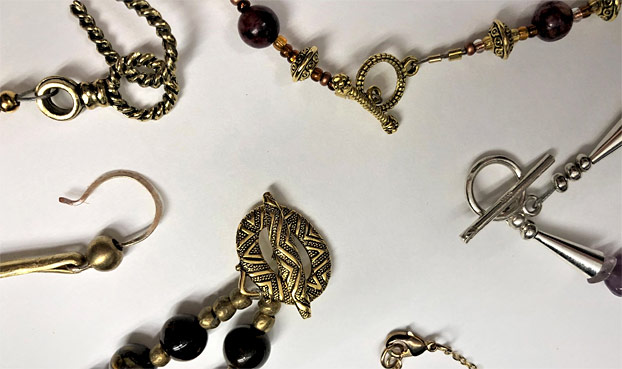
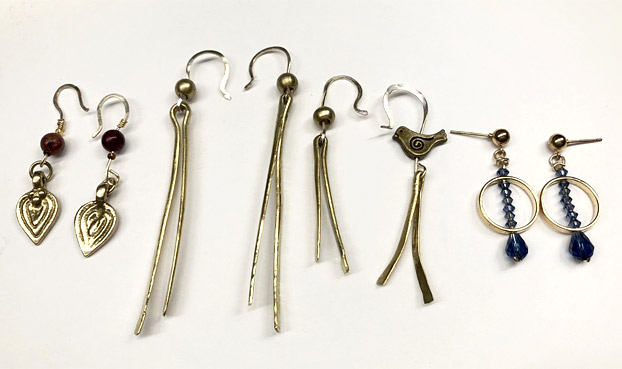
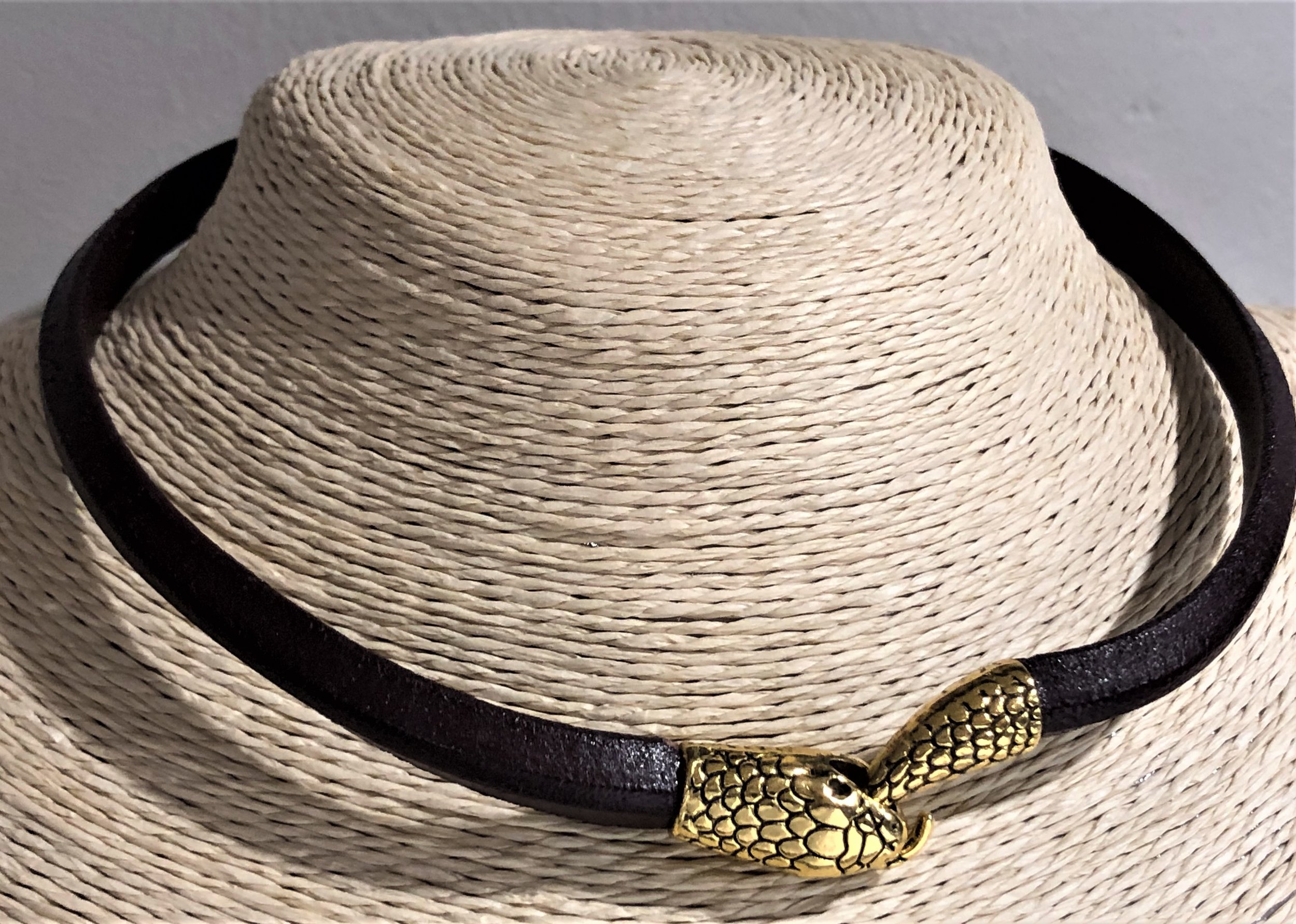
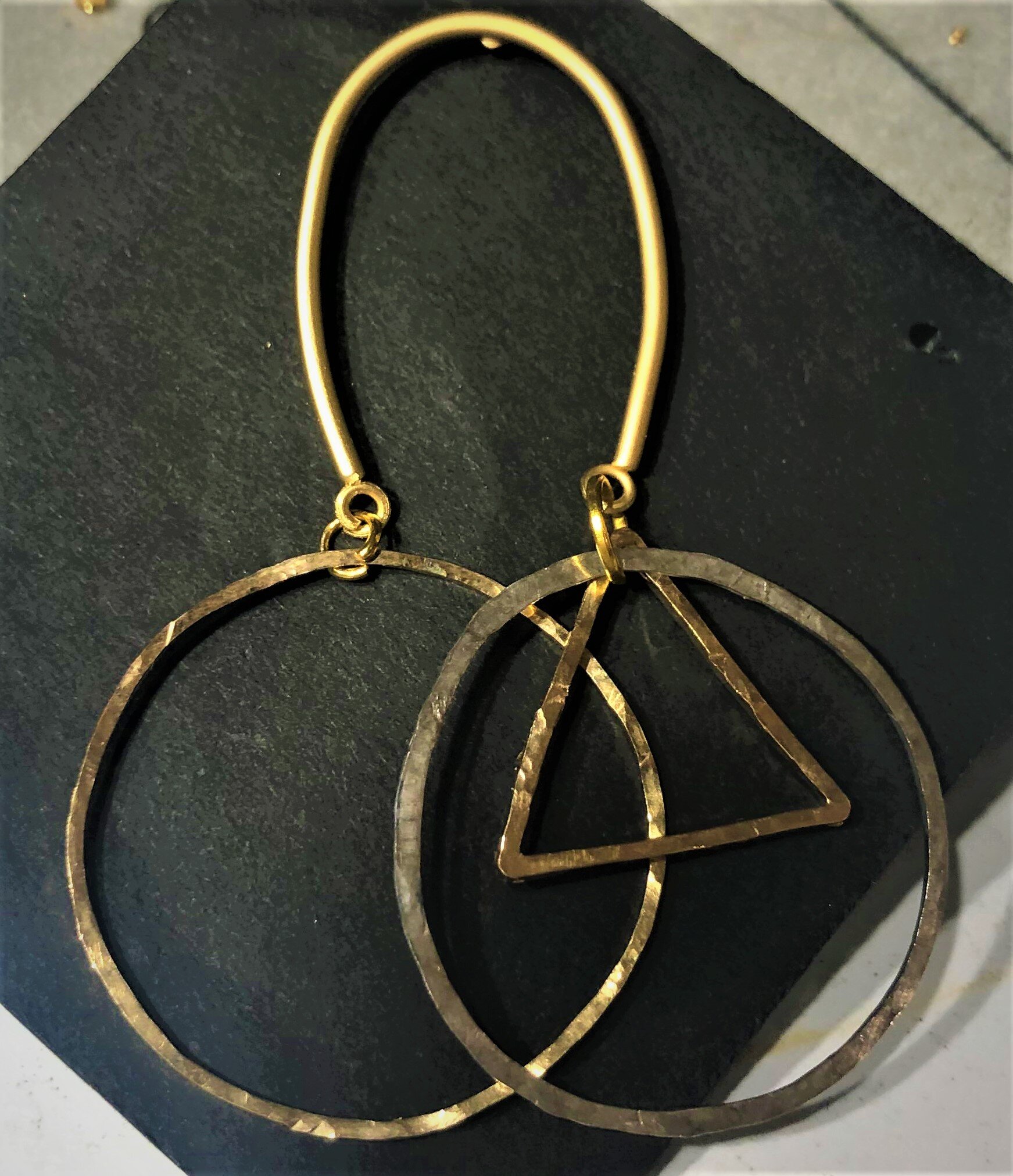
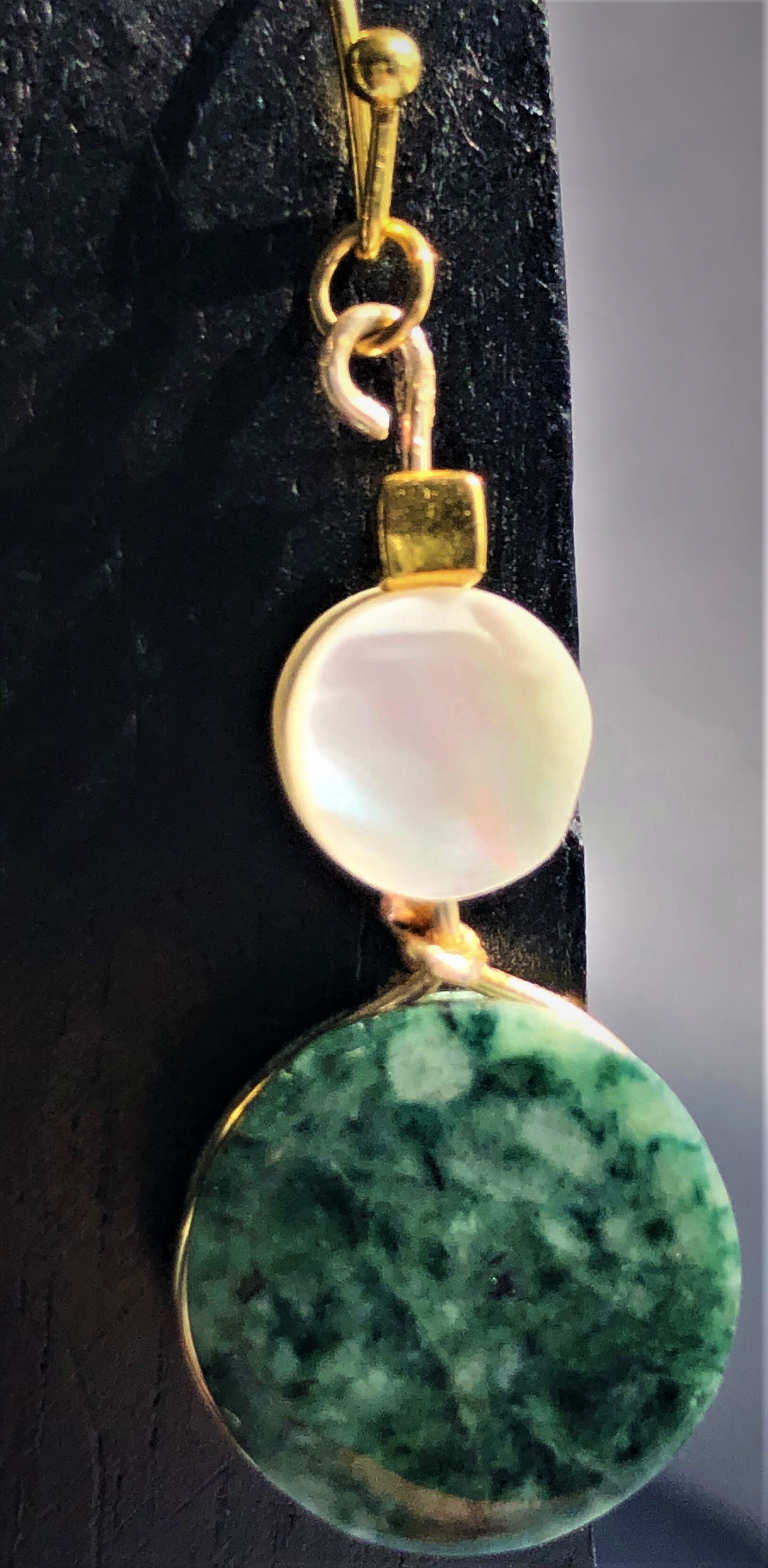
Designs hand-crafted in metals, crystals, druzies, leather and semi-precious stones
www.corahornby.com
corahornby@corahornby.com
518 ● 469 ● 8981
Options to change font (choose one for implementation):
Serif — classic, elegant: Georgia, Times New Roman, Baskerville
Sans-serif — clean, modern:
To change to Helvetica, follow the instructions for your specific platform:
macOS (system font in apps that allow font selection)
Open the app (e.g., Pages, TextEdit, Mail composer).
Highlight the text or set the default font in the app’s preferences.
Choose Helvetica from the Font menu.
Windows (applications like Microsoft Office)
In the app, select the text or open the Font settings.
Choose Helvetica (if installed) from the font list.
To set as default in Office: File → Options → General → “When creating new workbooks/documents” or use the font dialog’s “Set as Default.”
Microsoft Word (cross-platform)
Select Home → Font dropdown → choose Helvetica.
To make default: open the Font dialog (small arrow in Font group) → choose Helvetica → Click “Set As Default.”
Google Docs
Google Docs does not include Helvetica by default. Install a similar font (Arial) or:
Use the Extensis Fonts add-on to access additional fonts, or
Upload a document with embedded Helvetica from a desktop app and open it in Docs (may substitute).
Adobe apps (Photoshop, Illustrator, InDesign)
Select the Type tool, highlight text.
Choose Helvetica from the font menu. If not installed, install Helvetica in your system first.
Web (CSS)
Use a font stack that falls back if Helvetica isn’t available: font-family: "Helvetica Neue", Helvetica, Arial, sans-serif;
For web licensing, consider using a hosted font service or include licensed font files with @font-face.
Install Helvetica
If Helvetica is missing, obtain a licensed copy and install it:
macOS: double-click the font file → Font Book → Install.
Windows: right-click the font file → Install for all users.
Notes
Helvetica is a commercial font; ensure you have the proper license for desktop embedding, web use, or distribution.
On many systems Arial or system UI fonts will be used as substitutes if Helvetica isn’t available.
Arial, Futura, Proxima Nova
Humanist sans — approachable and refined: Gill Sans, Optima, Frutiger
Transitional serif — refined but readable: Merriweather, Garamond, Sabon
Display/script — decorative for headings only: Playfair Display, Didot, Mrs Eaves, Bickham Script
Handwritten/organic — artisanal feel: Amatic SC, Pacifico, Indie Flower
Monospace — technical, minimal: Courier New, Consolas
Recommended pairings for a jewelry brand:
Headings: Playfair Display (elegant) / Body: Proxima Nova (clean) — upscale, modern-luxury.
Headings: Didot / Body: Helvetica Neue — high-fashion, refined.
Headings: Merriweather / Body: Open Sans — warm, readable, artisanal.
Headings: Bickham Script (accent only) / Body: Proxima Nova — handcrafted luxury with modern clarity.
Suggested font-size and spacing (web):
Heading (H1): 36–48 px, line-height 1.1–1.2
Subheading (H2): 24–32 px, line-height 1.2
Body text: 16–18 px, line-height 1.5
Letter-spacing for headings: 0.5–1 px (tracking for display fonts)
Paragraph spacing: margin-bottom 12–18 px
If you want, I can:
Provide CSS snippets for a selected pairing.
Generate sample text in the chosen fonts and sizes.
Recommend web-safe or Google Font alternatives for implementation.
-
Description text goes here
-
Description text goes here
-
Description text goes here
-
Item description
